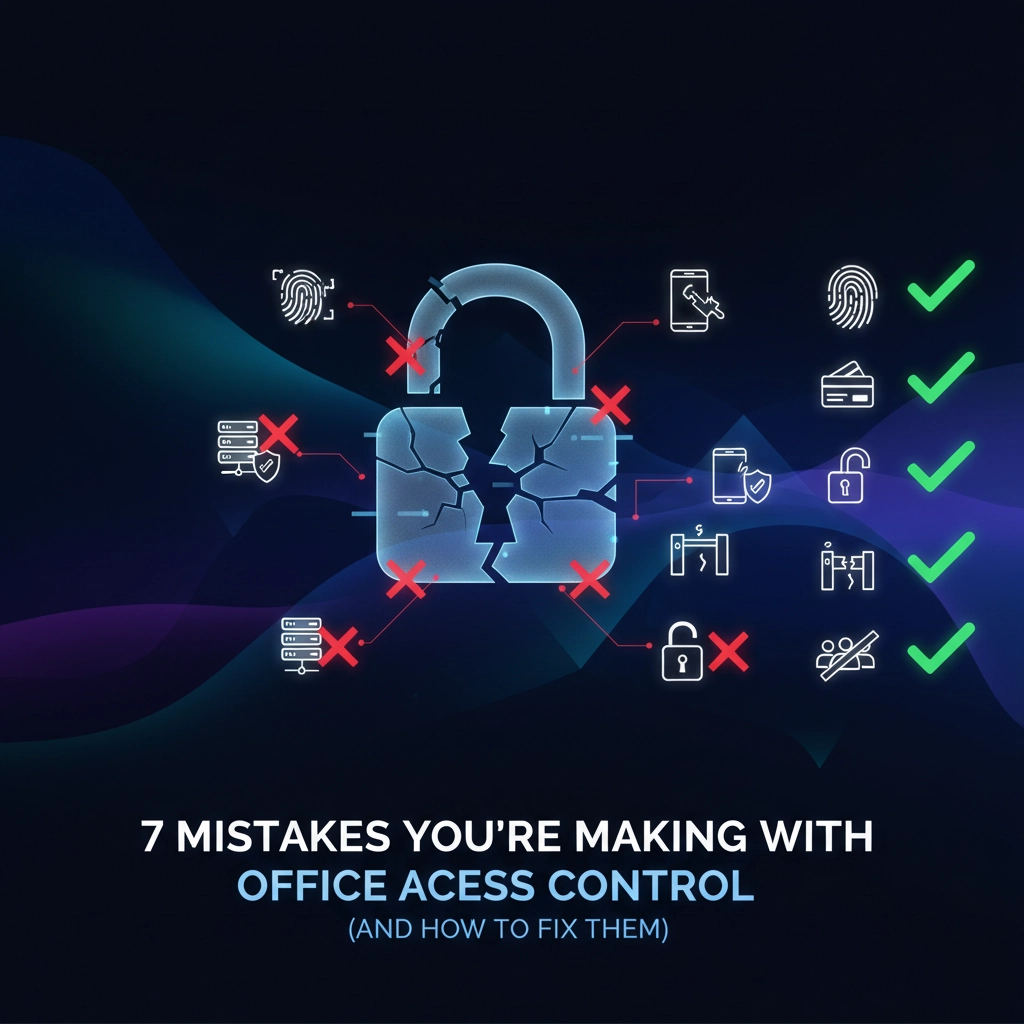
Looks like you've invested in an office access control system, but something's not quite right. Maybe you're dealing with security gaps, frustrated employees, or system failures that shouldn't be happening. Here's the thing – most businesses make the same predictable mistakes with their access control setups.
The good news? These problems are totally fixable once you know what to look for.
Your access control system should be your security workhorse, not a constant headache. Let's walk through the seven most common mistakes that are probably costing you time, money, and peace of mind – plus the straightforward fixes that'll get you back on track.
Mistake #1: Sloppy Credential Management
You're probably being way too casual about who gets access cards and when they get deactivated. Maybe you're using shared access codes that everyone knows, or you've got former employees whose cards still work months after they left.
This is your biggest security risk. Shared codes spread like wildfire, and tracking who has access becomes impossible. Meanwhile, that employee who quit last month? Their card is still opening doors.
The Fix:
Give every person their own unique credential – whether that's a key card, fob, or mobile app access. No sharing, no exceptions.
Set up a simple process for day one and last day procedures. New hire gets their credential during onboarding. Employee leaves? Their access gets killed that same day, no delays.
Consider upgrading to mobile credentials or biometrics if you're still using physical keys or shared codes. These are much easier to track and instantly revoke when needed.

Mistake #2: Treating Access Logs Like Junk Mail
Your system is creating detailed logs of every door entry, but you're probably ignoring them completely until something goes wrong. That's like having security cameras but never checking the footage.
Those logs contain early warning signs of problems – unusual after-hours access, failed entry attempts, or people accessing areas they shouldn't. By the time you notice a security issue, it might be too late.
The Fix:
Set up automated reports that flag weird patterns. Things like:
- Access attempts outside business hours
- Multiple failed entry attempts
- Employees accessing areas outside their normal zones
Review these reports weekly, not just when there's a crisis. Most modern systems can email you these summaries automatically, so there's no excuse for staying in the dark.
Mistake #3: Running Your Access Control in Isolation
Your access control system is probably sitting by itself, disconnected from your security cameras, alarms, and building management systems. This means when something happens, you're getting incomplete information and slower response times.
When systems don't talk to each other, you lose the bigger picture. Someone badges in at an unusual time, but you can't quickly see the video footage. An alarm goes off, but you can't tell who was last in the building.
The Fix:
Choose systems that play well together. Your access control should integrate with:
- Video surveillance (automatic video pop-ups when doors are accessed)
- Intrusion alarms (automatic arming/disarming based on occupancy)
- Building automation (lights, HVAC adjustments based on access)
This integration gives you a complete security picture and faster response times when issues arise.

Mistake #4: Making Access Permissions Way Too Complicated
You've probably created a maze of access levels with dozens of special cases and exceptions. "Sarah needs access to everything except the server room, but only on weekdays, unless it's an emergency, and..."
Complex permission structures lead to mistakes. Either you accidentally give someone too much access, or you lock out people who need legitimate entry.
The Fix:
Keep it simple with role-based access:
- Admin: Full building access
- Manager: Office areas plus meeting rooms
- Employee: Work areas and common spaces
- Visitor: Lobby and designated meeting rooms
Define access by job function, not by individual. When someone changes roles, just move them to the appropriate group. Clean and audit your permissions quarterly to remove outdated special cases.
Mistake #5: Setting It and Forgetting It
You installed your access control system and haven't thought about maintenance since. The batteries in your door readers are dying, firmware is outdated, and you're one hardware failure away from being locked out of your own building.
Neglecting maintenance doesn't just risk system failures – it creates security vulnerabilities. Outdated firmware often contains known security flaws that hackers can exploit.
The Fix:
Schedule regular maintenance with a trusted IT provider. This should include:
- Firmware and software updates
- Battery replacement for door readers
- Hardware cleaning and inspection
- Testing backup power systems
Set calendar reminders every six months for these check-ups. It's much cheaper than emergency repairs when your system fails during a busy Monday morning.
Mistake #6: Skipping User Training
You handed out access cards and figured people would figure it out. Now you're dealing with propped-open doors, shared credentials, and employees who don't understand why security protocols matter.
Poor training creates security gaps and user frustration. People work around systems they don't understand, which defeats the whole purpose of having access control in the first place.
The Fix:
Provide clear training for everyone who uses the system:
For all employees:
- How to properly use their credentials
- Why tailgating (following someone through a door) is a security risk
- Who to contact when their credential isn't working
- Basic security protocols for visitors
For administrators:
- How to add and remove users
- How to run and interpret access reports
- Emergency override procedures
Create a simple one-page guide with the basics and review security protocols during new employee orientation.
Mistake #7: Ignoring Data Security
Your access control system stores sensitive information – employee data, access logs, and security patterns. But you're probably not protecting this data adequately, leaving it vulnerable to cyber attacks.
Many businesses focus on physical security but forget about digital security. If hackers access your system, they can see when your building is empty, who has access to sensitive areas, and potentially manipulate the system itself.
The Fix:
Secure your access control data like any other sensitive business information:
- Use encryption for all stored data
- Require strong authentication for system administration
- Keep software updated to patch security vulnerabilities
- Limit network access to the system
- Regular security audits and penetration testing
If you're using cloud-based access control, verify that your provider follows industry security standards and offers data encryption.

Getting Your Access Control Back on Track
These mistakes are common, but they're not inevitable. Start with the biggest pain points – usually credential management and user training – then work through the other areas systematically.
Your access control system should make your business more secure and more efficient, not create new problems. With the right approach, you can fix these issues and get back to focusing on running your business instead of managing security headaches.
Need help getting your access control system properly configured and maintained? Get in touch with our team – we've helped dozens of UAE businesses turn their security systems from problem sources into reliable assets.