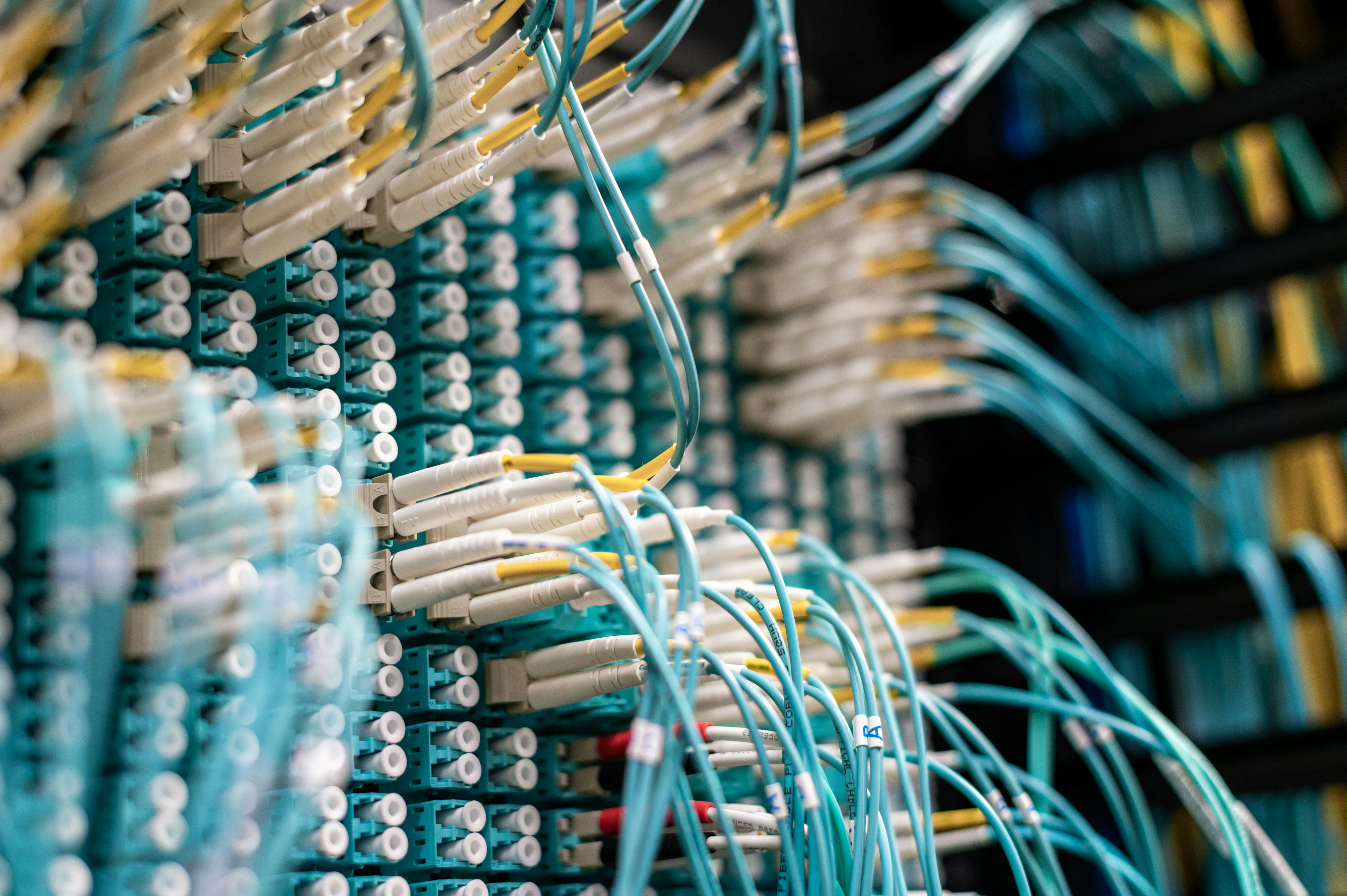
Monday morning in a Dubai office and the connection is down. Staff cannot reach cloud files, payment services or video meetings. Someone sees a small fibre box with a warning light and suggests replacing the cable. That may eventually be the answer, but replacing a fibre run before checking the service path can add cost without addressing the real fault.
Think of the connection as a chain: provider network, building distribution, fibre termination or ONT, router/firewall, then the office LAN and devices. A fault at any point can look like “the fibre is not working.” The aim is to identify which part is failing while leaving provider-owned equipment and optical connections untouched.
Start with the provider status
Contact the service provider using its official support channel and give the account or circuit details, site address, time the issue began, and the services affected. Ask whether a known outage or line event is recorded and whether the service appears active from the provider side. If several offices in the same building have a problem, mention that too.
Write down the case number and the exact response. If the provider says its network is normal, ask what test or status supports that conclusion and whether a technician visit is required. This keeps the next investigation focused on the building or customer equipment rather than repeating the same checks.
Check the ONT and router without disturbing fibre
An ONT, or optical network terminal, converts the provider's optical signal into an Ethernet handoff for the router. Indicator meanings vary by model, so use the device label or provider instructions. Record the power, optical, alarm, and LAN status if those lights are present. Take a clear photo for support, but do not open the unit or move its optical connector.
Check whether the router has power and whether its WAN link is active. If safe and permitted, verify the Ethernet cable from the ONT to the router is seated and undamaged. Avoid repeated power cycling while the provider is testing the line, and do not reset the router to factory settings; that can erase the service configuration.
Separate an internet fault from an office network fault
If the provider confirms the fibre service is online and the ONT indicates a normal link, the issue may be beyond the optical handoff. Check whether the router/firewall reports a WAN address, whether wired and wireless devices are both affected, and whether a switch or access point recently changed. A single computer failing to connect is different from every device losing access.
Useful facts to capture include the first time noticed, whether all users are affected, whether local printers or servers still work, and whether the fault began after a move or fit-out change. The office network troubleshooting service can help trace the LAN and firewall side once provider service status is known.
When an internal fibre repair is likely
A physical inspection becomes relevant when the provider has checked its network and the suspected fault is in customer-side infrastructure: a patch lead, splice enclosure, office outlet, distribution panel, or route damaged during building work. A technician can trace the pathway, inspect accessible terminations, and test the link using equipment appropriate to the service specification.
Do not pull a loose cable back through a duct or tape a crushed section and assume the connection is repaired. Fibre handling requires suitable tools and bend-radius care. A repair should be followed by a test and a record of the affected endpoints. If the route is damaged or undocumented, a new run may be more reliable than a local patch, but that decision should follow inspection.
How SAS IT Services can help
SAS IT Services is an authorized Etisalat partner for agreed fibre installation work and can undertake physical route inspection, repair, pulling, splicing, termination, and testing as approved. For du-related work, SAS acts as a third-party installer and does not claim du authorization or affiliation. Provider diagnosis, line activation, and acceptance remain with the operator.
Share the building, affected service, ONT model and indicator status, provider case number, and any recent fit-out activity. Our fibre cable repair and installation service in Dubai can review the physical side; our IT infrastructure team can also assess how the fibre handoff connects into the office network. Visit the SAS IT Services homepage for other business IT support.
Frequently asked questions
What should I check first when Etisalat fibre stops working?
Check whether other users or services at the same site are affected, then contact Etisalat through its official support channel to check for a provider-side issue. Record the time the fault started and any ONT or router indicators. Avoid moving or disconnecting the fibre connector while troubleshooting.
Can I unplug and reconnect the fibre cable myself?
Avoid handling the fibre connector unless the provider or a qualified technician instructs you. Fibre end faces are sensitive to contamination and the cable can be damaged by sharp bends. Do not look into a fibre port or connector; ask the provider or installer to inspect it safely.
Does a red LOS light always mean the cable is broken?
A loss-of-signal indicator can point to an optical path or provider-side issue, but the exact meaning depends on the ONT model and network. Report the indicator and device model to the provider. Do not conclude the cable is broken until the service and route have been checked.
When should I call a fibre cable installer?
Consider an installer when the provider confirms its side is available and the fault may be in an internal patch lead, outlet, splice, or office route. Ask for a route inspection and test results before approving repair or a new pull.
Can SAS repair or reinstall office fibre in Dubai?
SAS can inspect and undertake agreed physical fibre work, including repair, pulling, splicing, termination, and testing, subject to provider and building approvals. WhatsApp +971 58 539 7453 with the site and symptoms; service activation remains with the operator.
A dark connection light is a symptom, not a diagnosis. Check the provider status before replacing a cable.
Need a physical route checked after provider troubleshooting? WhatsApp SAS at +971 58 539 7453 with the site and provider case details.
Related guides: repair or reinstall damaged office fibre and fibre availability in a rented Dubai office.